AI can help a small business process invoices by extracting details from documents, preparing records and flagging missing information for review. Connect it to an agreed intake process and your existing accounting tools, then keep staff responsible for checking exceptions, approving invoices and authorising payments. Start with preparation rather than automatic payment.
How can AI help process invoices?
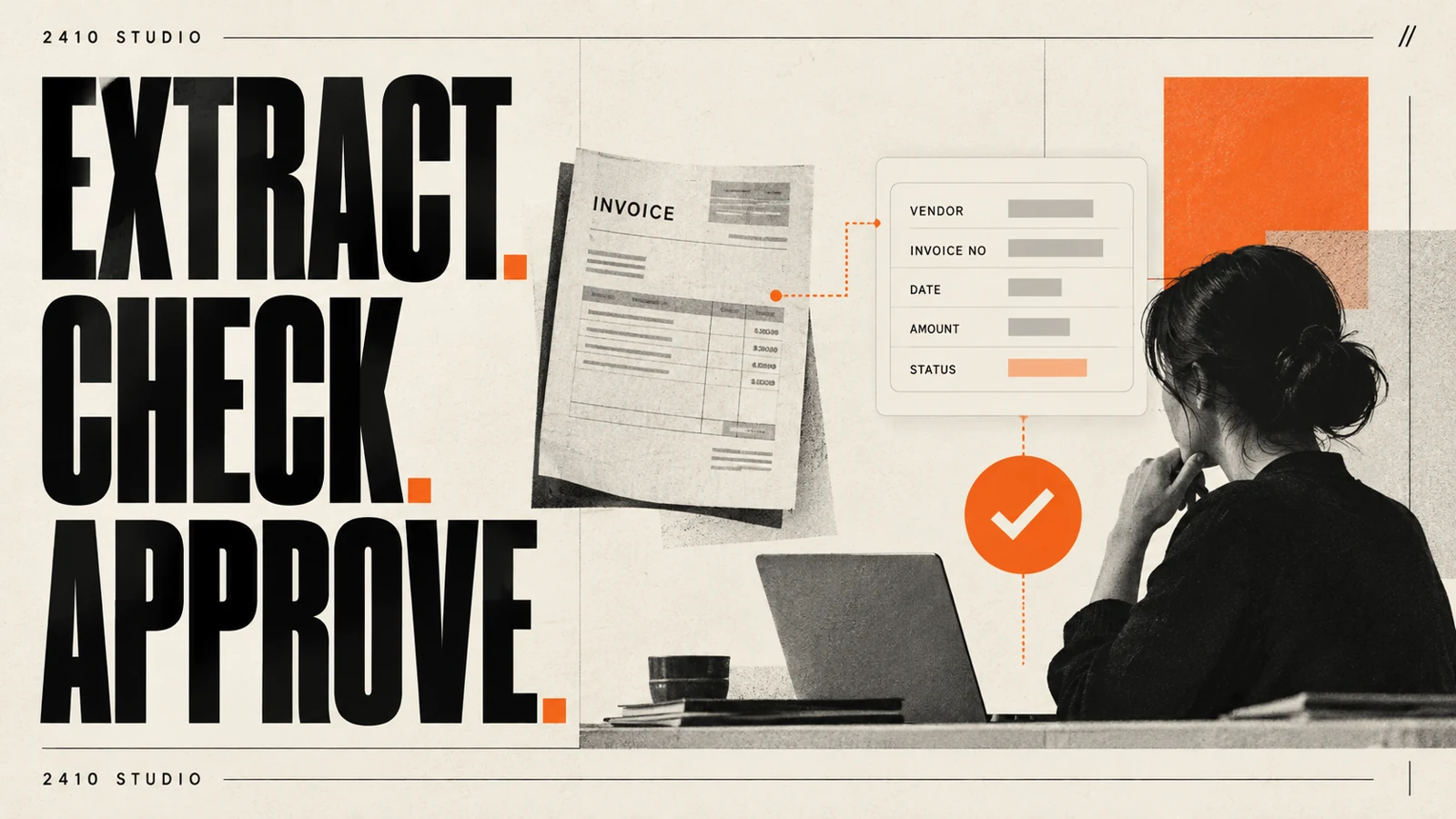
AI can turn information on an invoice into fields your team can check and use. The useful change is less copying between documents and systems, with the original invoice still available beside the prepared record.
For a concrete product example, Microsoft's invoice processing model extracts common fields such as invoice number, date and amount due. Its documentation also describes confidence scores and options for documents that need additional fields. That demonstrates an available capability, not a guarantee that every supplier document will be read correctly.
Your workflow needs more than extraction. Someone must decide where invoices arrive, which details matter and how a record reaches the accounting system. An extracted amount does not establish that a purchase was authorised or that the goods arrived.
Start by listing the fields your team actually uses. These might include supplier, invoice reference, currency, total and purchase order reference. Avoid collecting extra information simply because a tool can find it.
What would an invoice workflow look like?
A useful first workflow receives an invoice, prepares a record and sends it to a named reviewer. It stops when something important is missing instead of filling the gap with a guess.
Here is an illustrative setup for a small business, not a client case study or a claim of measured results:
- Receive: Supplier invoices arrive in an agreed mailbox or upload folder.
- Register: The system stores the original document and gives the item a tracking reference.
- Extract: AI prepares the required details from the invoice.
- Check: Defined rules flag missing fields, unexpected formats or possible duplicates.
- Review: A team member compares the prepared record with the source document.
- Record: Only the approved record passes to the next agreed accounting step.
Keep the status visible: received, awaiting review, approved or needing attention. If a connection fails, the invoice should remain in the queue with a clear owner. Re-running the workflow should not silently create a second record.
A possible duplicate should be a prompt to investigate. Two documents can share an amount without being the same invoice, and a supplier may send a corrected version. Keep enough context for the reviewer to make that distinction.
Which decisions should stay with people?
People should retain responsibility for approving spending, resolving disputes and authorising payments. AI can prepare information for those decisions, but reading a document is different from verifying that the business should pay it.
Treat a change to supplier payment details as a separate verification task. Do not let an extraction workflow automatically replace trusted details because a new document contains different information. Use your established supplier verification process and keep an audit trail of changes.
For each exception, name the person or team who will handle it. Missing purchase order references might go to the buyer; unclear invoice details might go back to the supplier through the usual contact route. A shared queue needs an owner, otherwise automation can merely move the waiting time elsewhere.
Give connections only the access they need. Test with sample documents first, and review access controls, provider terms and retention settings before using real supplier information. Keep credentials in managed settings rather than shared spreadsheets or instructions.
When is AI worth adding to the process?
AI is worth testing when varied document layouts create repeated reading and copying work. If your existing accounting software already imports the required information reliably, improving that setup may be the better first step.
Ordinary automation can move a file, notify a reviewer or route an approved record. Use AI where interpretation is needed, then use clear rules for the steps around it. Our guide to AI agents and automation tools explains that separation.
Measure the full task before and during a limited trial. Record handling time including review, fields requiring correction, unresolved exceptions and duplicate records. Track the time from receipt to approval separately from the time someone spends actively working on it.
Compare the benefit with setup, subscriptions, usage charges, maintenance and training. There is no useful universal price without understanding your document volume and systems. Agree success criteria before expanding the trial, and retain a manual route for documents the system cannot handle.
2410 Studio is a UK studio that builds AI into the tools a business already uses, with the client keeping the custom code. Its project portfolio shows examples of the studio's broader work. A sensible invoice project starts with your approval process and system connections, rather than choosing a model first.
Frequently asked questions
Can AI process every invoice correctly?
Do not assume that it can. Test representative layouts and poor scans, and route missing or uncertain information to a reviewer.
Do we need to change accounting software?
Not necessarily. Check the import options and supported connections in your current system before considering a replacement.
Should the system pay invoices automatically?
Automatic payment is outside the preparation workflow described here. Keep payment authorisation within your existing controls and treat any proposed change as a separate project.
How should we start?
Choose one intake route and a limited set of document types. Agree the required fields, reviewer and measures, then test the complete process before expanding it.
Bring a sample invoice and a description of your current approval steps to a conversation with 2410 Studio. We can help identify whether existing software, straightforward automation or a tailored AI workflow fits the problem.
START YOUR INTEGRATION