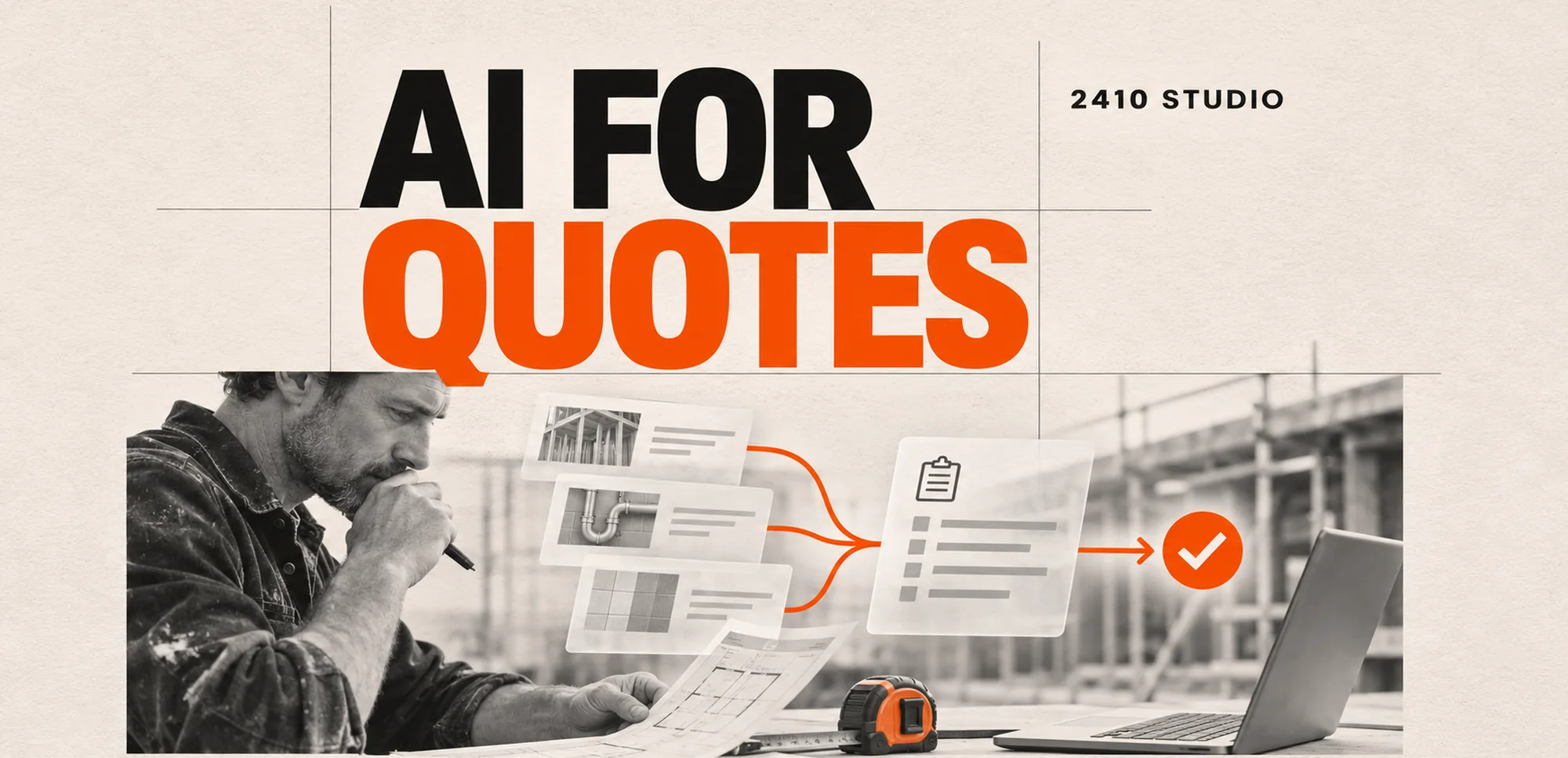
AI can help a small business prepare quotes by turning enquiry emails and job notes into a draft scope, flagging missing details and suggesting items from an approved list. Let your quoting system calculate the price and have a person check the scope, terms and commitments before anything goes to the customer.
Which part of quoting is worth automating?
Start with the work that takes time before anyone decides the price: reading the request, gathering details and putting them into the right format. AI can help when useful information is spread across messages, attachments and notes. It can also highlight where those sources disagree.
A customer might describe work in everyday language, while the quoting system uses a standard service name. An assistant can suggest the closest approved service and show the words that led to the suggestion. The estimator can then accept it, change it or ask a question.
If every request already arrives with a service code and confirmed quantity, use a form or a fixed rule to carry those details across. A template can add standard wording. There is little value in asking AI to interpret information that is already clear.
What would an AI-assisted quote look like?
Keep the draft in the tools your team already uses and give the reviewer the original information alongside it. A separate draft in an AI chat can leave staff copying details between systems and make it harder to see which version was approved.
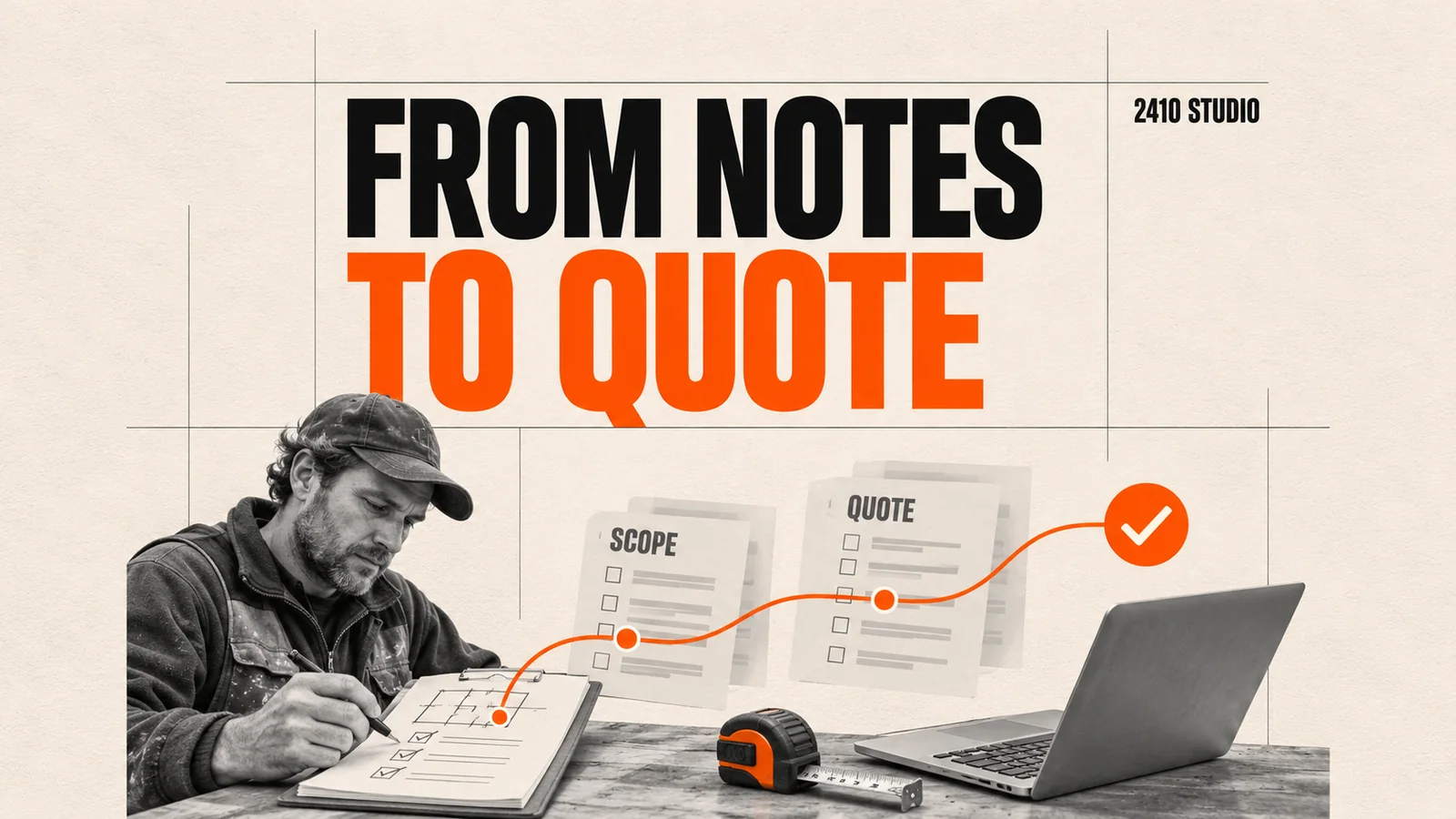
Consider an illustrative workflow for a small maintenance firm, rather than a client case study. A customer emails a request to replace damaged shelving and attaches site notes. The team needs to know the dimensions, material and access arrangements before it can send a reliable quote.
- Save the request and attachments against the job in the quoting system.
- Ask AI to summarise the work, suggest approved line items and flag anything it cannot establish from the notes.
- Have the quoting system pull current rates and calculate the total once staff confirm the items and quantities.
- Give a named estimator the draft and original notes to check side by side. If access or measurements are unclear, ask the customer before finalising the quote.
- Send only the approved version and keep it with the job record. If the customer changes the request, review the revised scope and price before sending again.
The assistant can flag that the notes mention shelving in two rooms. It should not turn that into a quantity of two units, assume the job needs a particular fitting or promise a date. A missing measurement should stay visibly missing.
Who should control the price and the final send?
Use the business's approved pricing rules for calculations and give an authorised person responsibility for the final quote. Keep exceptions such as an unusual discount, extra labour or non-standard terms visible to that reviewer.
| Decision | Best place to handle it | | --- | --- | | Interpret a description of the work | AI can suggest a scope for staff to check | | Calculate a confirmed quantity at an approved rate | The quoting system follows fixed rules | | Decide whether a site visit is needed | A person checks the job and missing details | | Approve a discount or delivery promise | Someone with authority confirms the commitment | | Send the finished quote | The reviewer releases the approved version |
Microsoft's Dynamics 365 Sales documentation gives a real example of separating a draft from a quote that is ready for the customer. It also describes how the product catalogue, price list, quantities and other configured rules affect the calculation. Your system can be different. The useful principle is to keep a draft editable until the person responsible is ready to release it.
Give the assistant access only to the records it needs. If a price list is out of date or unavailable, stop the calculation and hand the draft back to staff. The customer should never receive a confident-looking total built on a rate the business cannot verify.
How can you tell whether it saves time?
Compare the time and quality of approved quotes for one common job type before and after adding assistance. Count reading, checking, correcting and chasing missing information. A draft that appears in seconds can still take longer to review than a quote built from a good template.
Measure staff time per approved quote and elapsed time from a complete request to sending. Track material edits, requests that could not be quoted and any scope or price corrections after sending. Separate simple jobs from jobs that require a site visit so a change in the mix does not mislead you.
Start with past examples your team is authorised to use, including unclear requests and missing details. When staff are happy with the quality, try the draft process on a narrow set of live work. If the main delay is waiting for measurements or sign-off, improve that step first.
2410 Studio is a UK studio that builds AI into the tools a business already uses, with the client keeping the custom code. See the studio's AI projects for examples of the work we build.
Frequently asked questions
Can AI quote a job from an email alone?
It can prepare a draft when the email contains useful details. If the price depends on measurements, site conditions or specifications that are missing, collect them before confirming the quote.
Should the assistant send quotes automatically?
Start with staff approval. If a standard job can be priced and sent without judgement, consider a fixed rule for that particular job instead of giving the assistant wider authority.
What if we do not have a price list?
Settle how the team prices repeatable work before connecting AI to the calculation. You can still use it to organise notes and prepare a draft scope while staff estimate each job.
Do we need to change quoting software?
Check whether the existing system can accept a draft, preserve its source information and record approval. If it already does those things, there may be no reason to move.
Bring a typical enquiry, a blank quote and the steps your team uses to price it to 2410 Studio. We can help you decide which step to simplify first and what an AI draft would need to prove.
START YOUR INTEGRATION