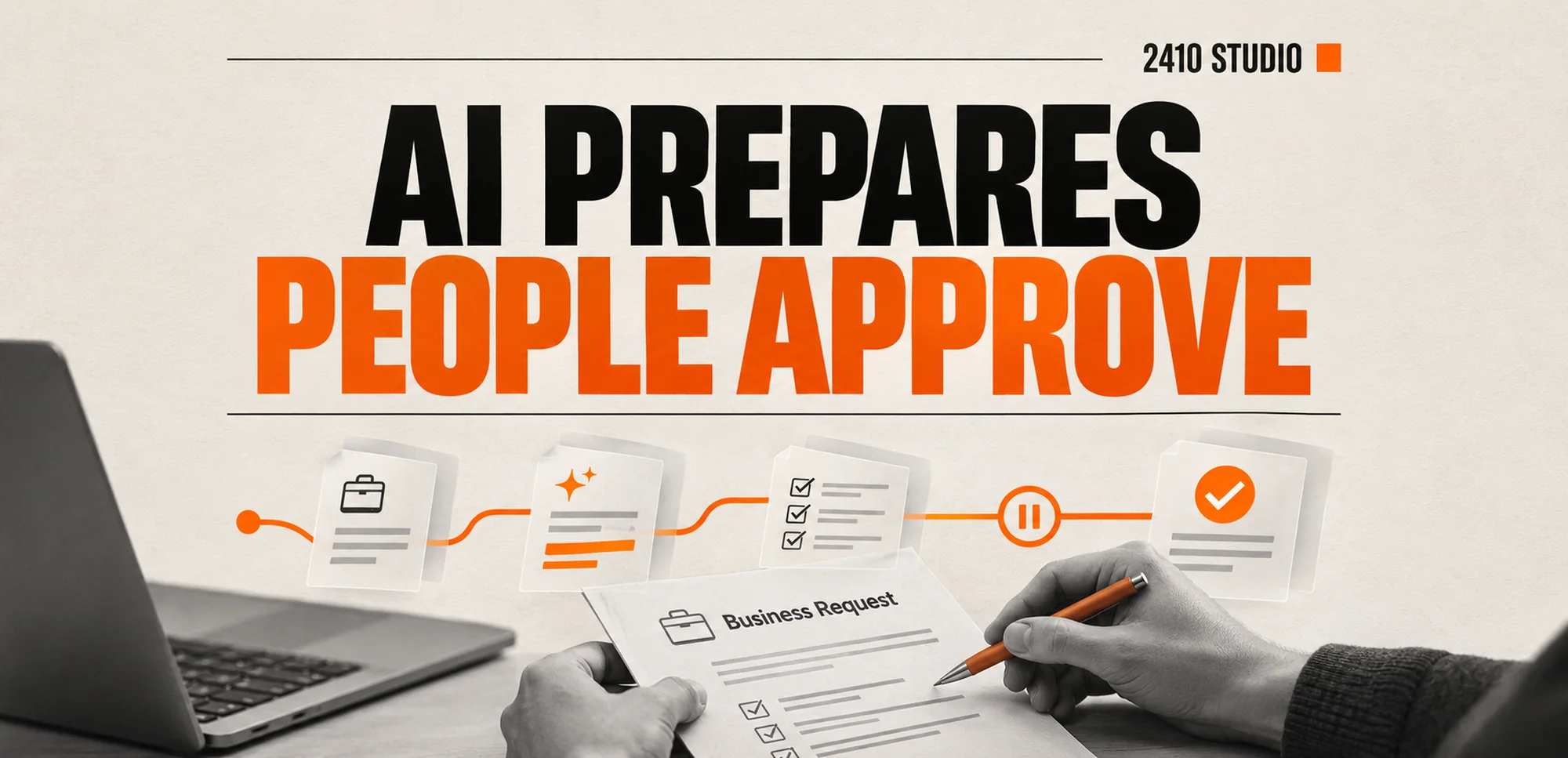
AI workflow decisions need human approval when a mistake could commit money, change a customer's position, expose information or be difficult to reverse. Let AI prepare the work and show its sources. Use clear rules for routine steps, and give an authorised person control over consequential actions and exceptions.
Which AI workflow decisions need human approval?
Put approval before the action that creates a commitment or makes a material change. The important question is what happens if the system is wrong, rather than whether its answer sounds confident.
Preparing a draft reply is different from sending a delivery promise. Suggesting a supplier record is different from changing bank details. Summarising a request is different from deciding that it should be rejected.
| Workflow step | Sensible starting point | | --- | --- | | Prepare a summary from approved sources | Staff check it where the summary informs a decision | | Move a complete request into a queue | A fixed rule, with a visible failure route | | Send a standard acknowledgement | A template with tested routing | | Approve a refund, discount or unusual term | An authorised person decides | | Change payment details or disclose restricted records | A controlled process with appropriate verification |
Human review is not automatically useful just because a button says “approve”. The reviewer needs enough information and time to make a decision. If they cannot check the result, the workflow has moved the risk to a person without helping them manage it.
What should the reviewer see?
Show the proposed action, the information behind it and anything unresolved. Keep the original request close to the draft so the reviewer can check it without searching several systems.
For an illustrative example, imagine a small business using AI to prepare responses to customer complaints. This is a proposed workflow, not a client case study. The assistant summarises the complaint and drafts a reply using the current policy. It flags an apparent request for compensation, then sends the draft to the responsible colleague.
The review screen should show the customer's original words, the relevant policy and the proposed response. It should make any promised payment or exception easy to spot. A useful summary does not hide the message that led to it.
Microsoft's document automation toolkit documentation provides a real example of separating extraction from manual review and approval. It describes AI Builder extracting information, Power Apps supporting review and approval, and a queue holding the documents and data. You do not need that particular product to apply the same separation.
Keep the review narrow enough to perform properly. Asking someone to approve an entire folder is harder than showing the specific change and its source. Make correction possible before approval, rather than forcing staff to reject and rebuild everything.
How do you connect approval to the action?
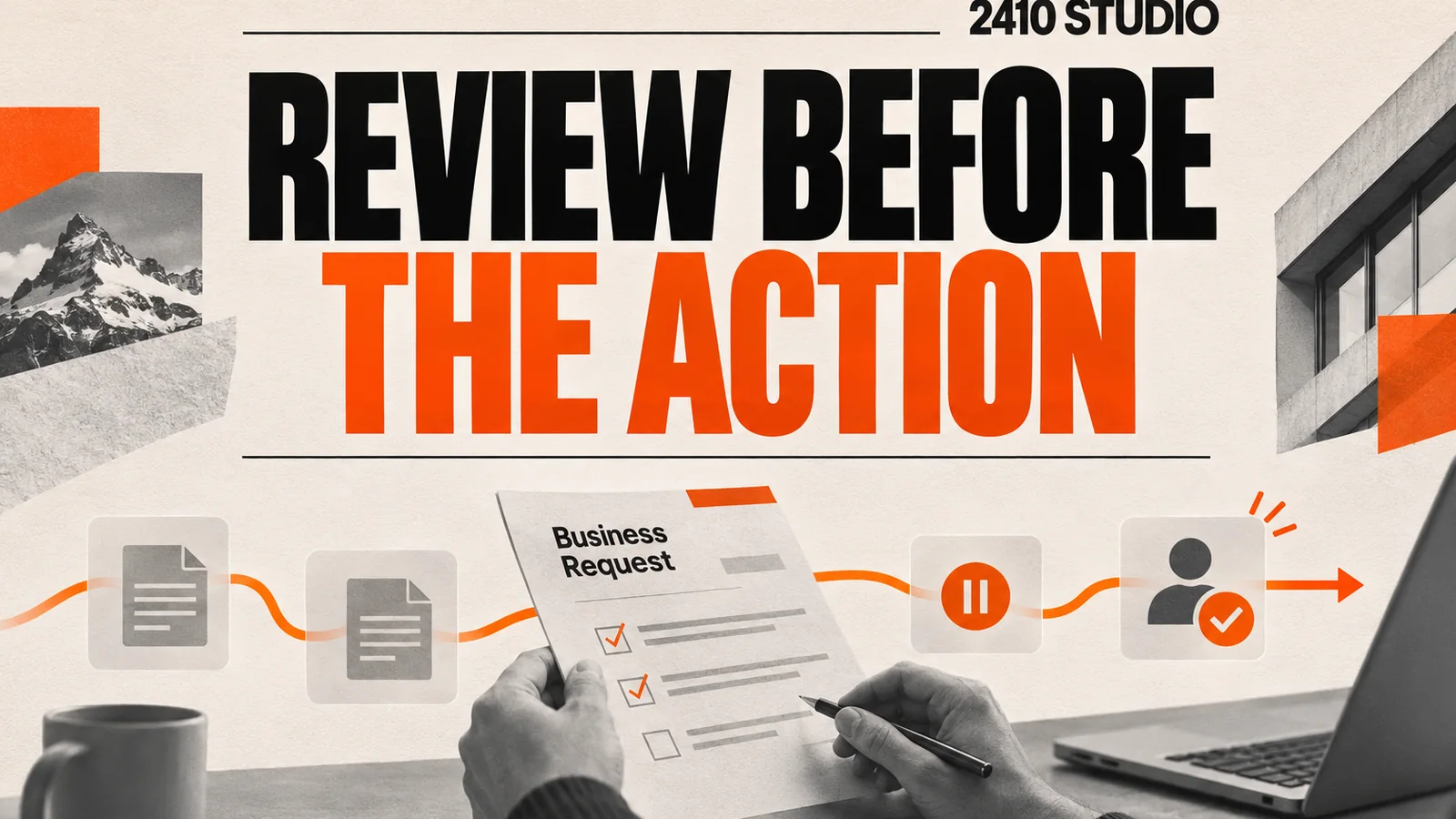
Make approval a required step in the system that performs the action. An instruction telling AI to ask first is not enough if it still has permission to act independently.
A practical sequence for the complaint example is:
- Save the incoming message against the existing customer record.
- Prepare the summary and draft from the information the assistant is allowed to use.
- Assign the review to a named colleague with the right authority.
- Keep the case pending until that colleague approves, corrects or rejects it.
- Send only the approved version and record the outcome.
- Route failures or changed requests back for review.
Tie the approval to the exact version. If a price, recipient or attachment changes afterwards, check whether the approval is still valid. Avoid a process in which staff approve one message and the system later creates another before sending.
Give approval requests a clear owner and a route for absence. An overdue request should remain visible and escalate according to an agreed rule. Silence should not become permission.
Microsoft's Power Automate approvals guide documents notifying approvers so they can review and act on requests. Scheduling reminders and assigning reviewers are often ordinary automation tasks. AI does not need to choose the approver if a reliable rule already exists.
When does review become a bottleneck?
Review becomes a bottleneck when requests arrive faster than people can assess them, or when the evidence takes too long to find. Improve the scope and review screen before removing a necessary check.
Measure the time waiting for approval separately from the time spent reviewing. Track how often reviewers change a material detail, send a case back or discover missing information. Look at the reasons, not just the volume.
If staff repeatedly correct the same policy wording, fix the source. If they approve routine acknowledgements unchanged, consider a tested template. If cases wait because nobody knows who owns them, improve assignment and cover arrangements.
Check for errors after approval too. A fast queue with frequent corrections after sending is not a successful workflow. Keep records that show what was proposed, who approved it and what the system actually did.
Start with a small scope and review real examples together. Staff should be able to pause the workflow and use the manual process when something is wrong. Their role is to apply judgement, supported by clear information, rather than catch every possible defect at speed.
Frequently asked questions
Does every AI output need approval?
No. Match the check to the consequence and how the output will be used. A low-impact draft can have a lighter review than an action affecting money, access or a customer commitment.
Can a confidence score replace a reviewer?
It can help organise a queue where the score is meaningful and tested. It does not establish that an action is appropriate, authorised or based on complete information.
What if a reviewer is unavailable?
Assign a deputy or escalate to an agreed owner. Keep the request pending and visible rather than automatically approving it after a timeout.
Where should a small business start?
Choose one consequential action and map what staff need to check before it happens. Then test the review step with ordinary requests, missing information and exceptions.
2410 Studio is a UK studio building AI into the tools a business already uses, with the client keeping the custom code. Explore our AI projects, or talk to 2410 Studio with one workflow and the decision your team needs to control. We can help place approval where it makes the work safer and easier to manage.
START YOUR INTEGRATION