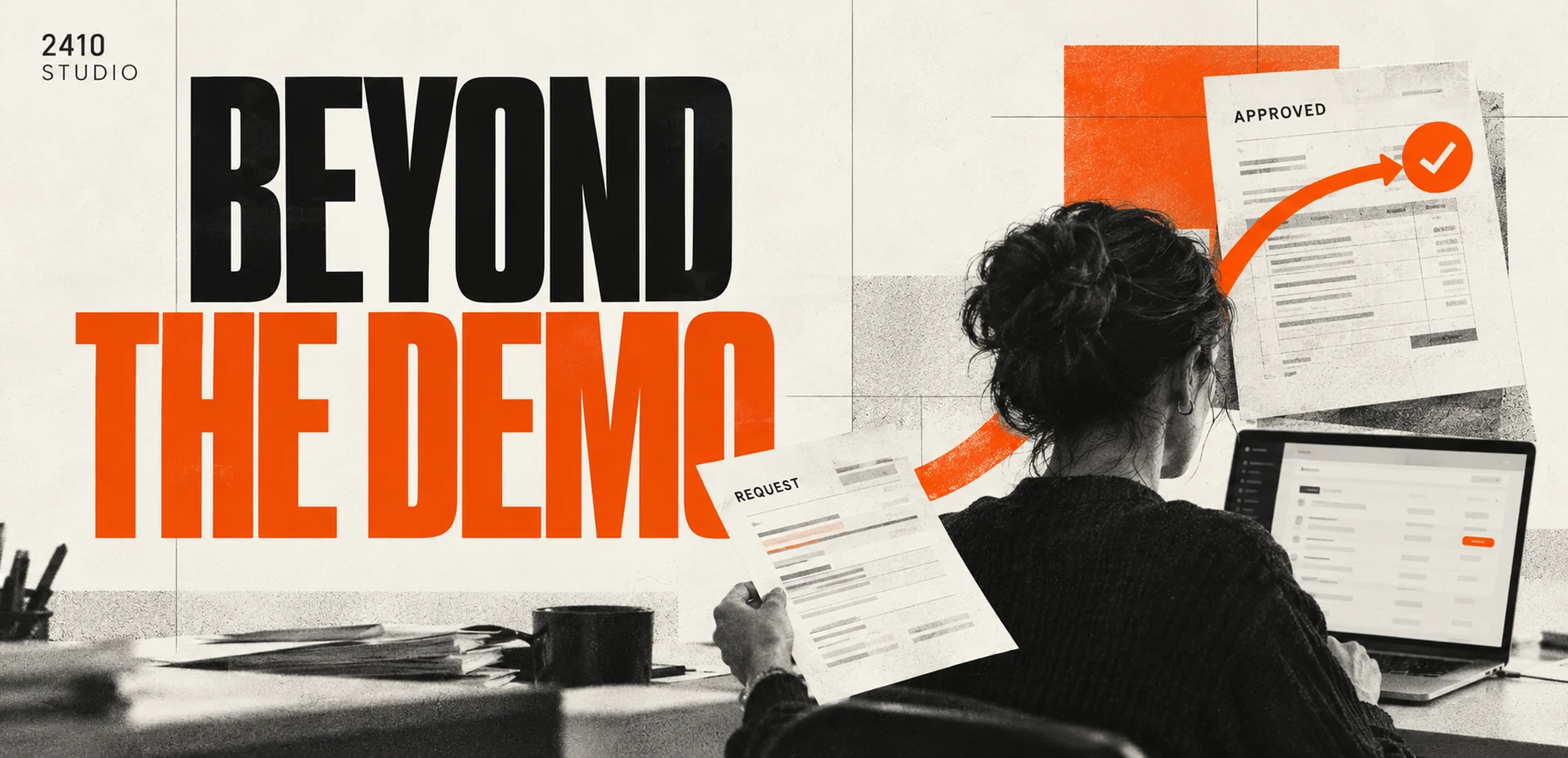
An AI demo can stall before everyday use when it lacks dependable information, system connections, clear ownership or a plan for mistakes. Moving beyond a demo means testing the whole workflow, defining human review and supporting it after launch. Judge readiness by completed work under realistic conditions, rather than a polished presentation.
Why can an AI demo struggle in everyday use?
A demonstration usually proves a limited capability. An operating business needs the surrounding process to work as well: information must arrive, results must reach the right place and exceptions must have an owner.
A reply generated from a prepared example might look useful, yet leave important questions unanswered. Where will the service information come from? What happens when the customer asks something outside it? Who checks a draft, and how will the team know it has been sent?
The gap is not proof that AI cannot help. It means a promising component still needs a practical operating design. The same distinction applies to document extraction, enquiry routing and internal assistants: producing an output is only one part of completing the task.
Avoid broad claims about how many AI projects fail unless there is a relevant source and a clear definition of failure. For your own project, it is more useful to identify the unfinished dependencies than to borrow an alarming industry statistic.
What should you test beyond the ideal example?
Test the ordinary variations and awkward cases that your team actually encounters. Include the connections and review steps, because a good answer is not useful if it disappears before anyone can act on it.
Build a test set from authorised, representative examples. Start with sample or appropriately redacted information and document the expected result for each case. Do not select only the examples that make the system look successful.
Useful cases to include are:
- A request with essential information missing.
- A document with an unfamiliar layout or poor scan.
- The same request arriving twice.
- A connection that is unavailable or rejects an update.
- An instruction that asks for something outside the agreed scope.
- A result that needs correcting before approval.
Give each case a clear expected behaviour. Sometimes success means producing the right draft; sometimes it means refusing to guess and handing the item to a person. Record failures in a way the project owner can inspect and prioritise.
What controls make a workflow easier to operate?
Define the system's boundaries, a visible review queue and a clear fallback. Staff should be able to see what happened and recover the original task without relying on the person who built the demo.
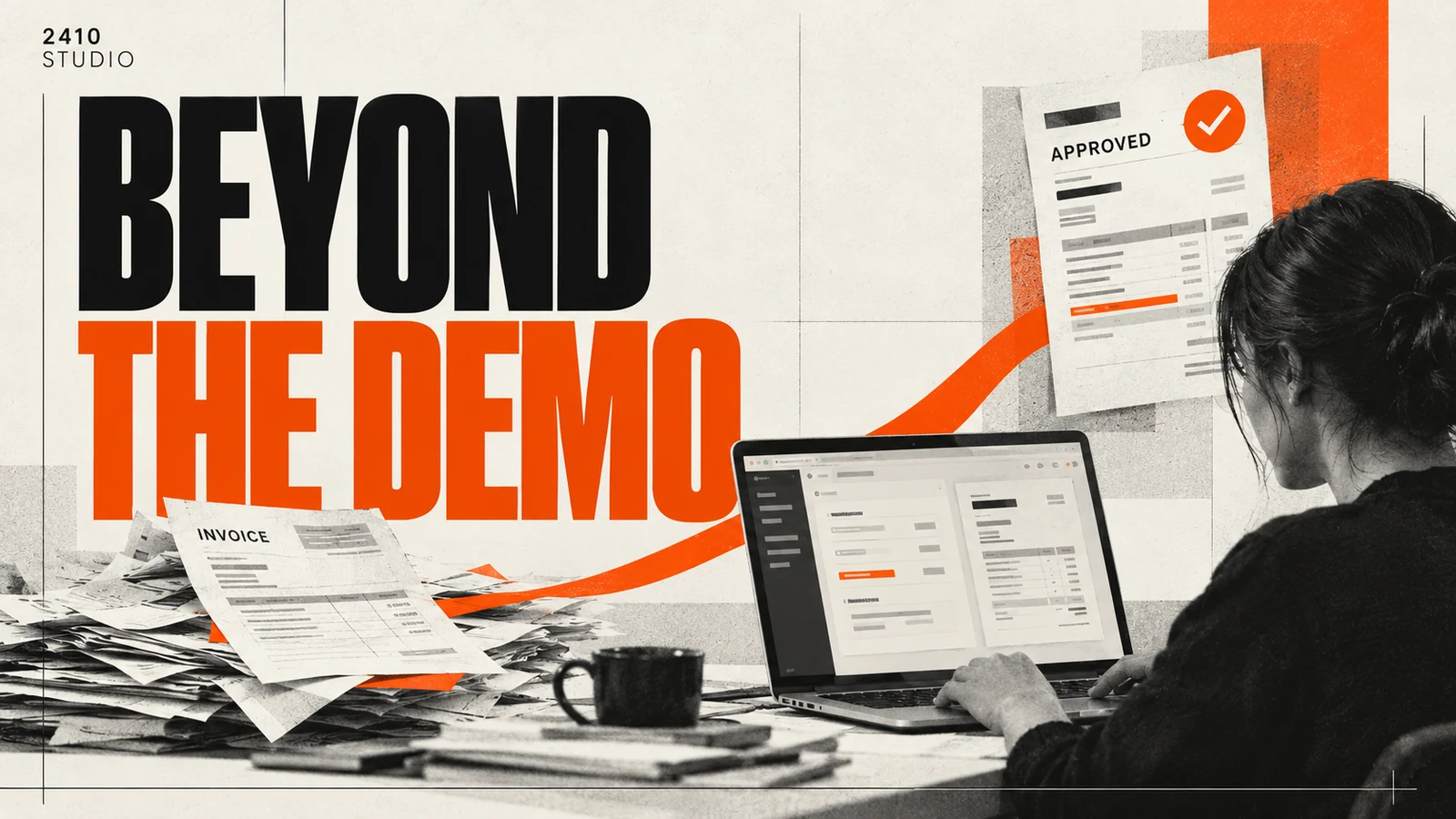
For an illustrative customer enquiry workflow, keep the source message with the prepared summary and draft. A reviewer checks the content before it reaches the customer. If the draft uses information that is not in the approved reference material, it should be flagged rather than treated as a confirmed answer.
Keep credentials and access permissions limited to the task. A drafting assistant does not automatically need permission to delete customer records, issue refunds or change prices. Separate preparation from actions that make commitments or alter important records.
Set rules for retries as well. A failed update should not lead to duplicate customer messages when the workflow runs again. Give items tracking references and a visible status so someone can investigate what has already completed.
The NIST AI Risk Management Framework offers a voluntary reference for managing AI risks. For an individual project, translate that structured approach into named responsibilities, documented tests and a practical response when something goes wrong.
What should happen before and after launch?
Before launch, agree acceptance criteria and test the complete task with its users. After launch, assign ownership for monitoring, source information, support and changes, rather than assuming the workflow will maintain itself.
Begin with a limited release. Staff may review every output while the team learns which cases need attention. Keep an available manual route and define who can pause the system. A launch plan should include how to recover unfinished items if the trial needs to stop.
Measure the outcome the business originally wanted. Compare full handling time, correction frequency, unresolved work and completed tasks against the baseline. Include subscriptions, usage and staff review when assessing the cost. Generating more outputs does not establish that the process has improved.
Training should cover exceptions, not just the successful route. Show staff how to correct an output, report a problem and find the original information. Keep a short operating guide with the people who will use it, and update it when behaviour changes.
2410 Studio is a UK studio that builds AI into the tools a business already uses, with the client keeping custom code. Its research, build and deployment guide explains the work around turning a useful idea into an operating workflow.
Frequently asked questions
Does a good demo mean the system is ready?
No. It shows that a particular example worked under particular conditions. Readiness also depends on integration, review, exception handling and ongoing ownership.
Should we stop a pilot that needs manual review?
Not automatically. Human review may be the intended design, especially for customer commitments. Measure whether the whole assisted process is useful.
Who should own the system after launch?
Name a business owner for outcomes and an agreed support route for technical issues. Make responsibility for updating reference information explicit too.
If you have a promising demo but an unfinished operating plan, talk to 2410 Studio about the next steps. Start with the workflow, the unresolved dependencies and what staff need to run it confidently.
START YOUR INTEGRATION