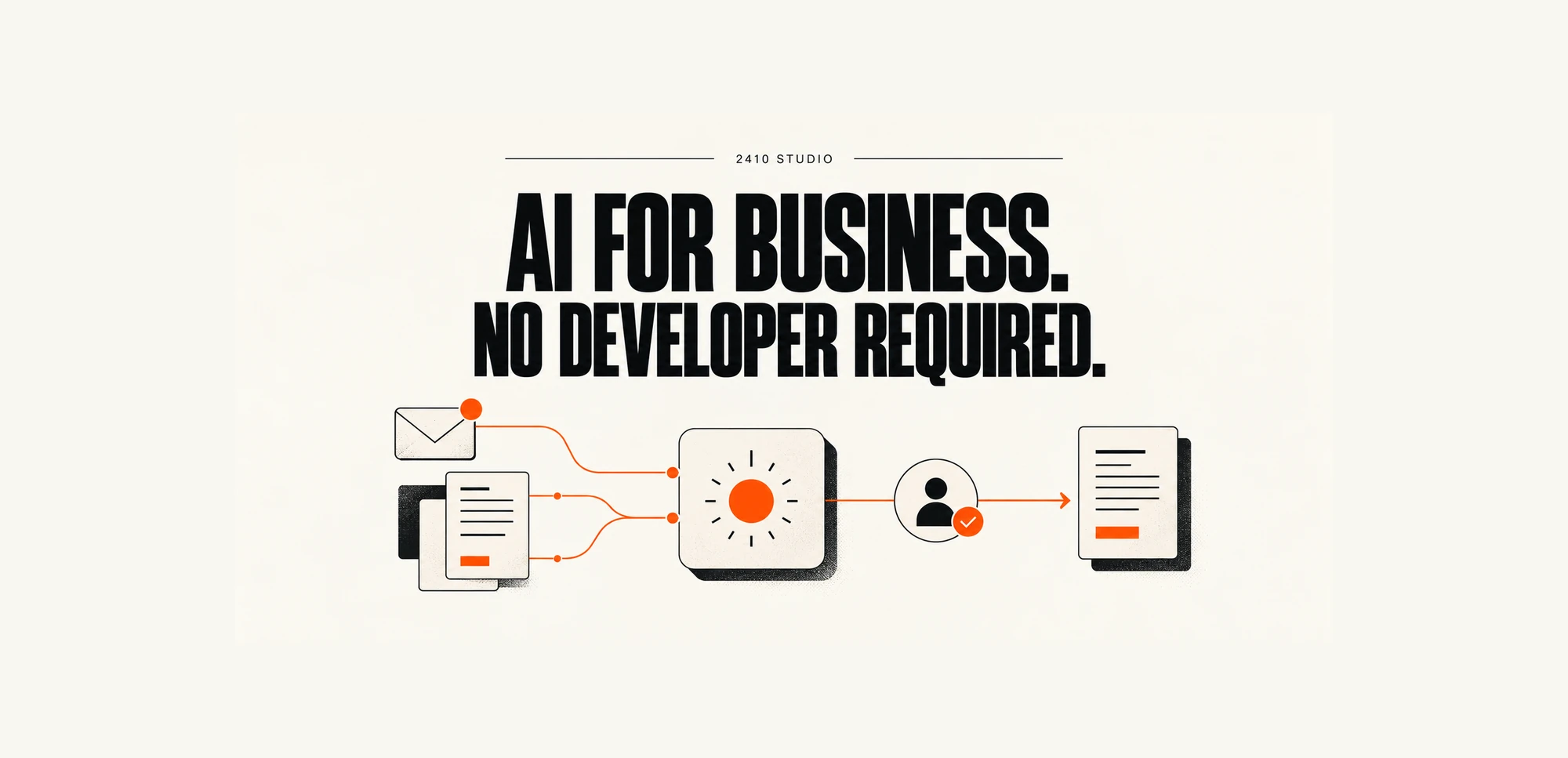
A small business can use AI without hiring a developer by starting with AI features in its existing software, connecting apps through tools that need no coding, or commissioning a specialist to build the workflow. Choose one repeatable task, keep a person responsible for checking the output, and measure whether it saves useful time.
How can a small business use AI without a developer?
There are three practical routes: use a built-in feature, configure a connection between existing apps, or pay a specialist for a defined piece of work. You do not need to recruit a developer before exploring any of them.
Start with the software your team already uses. Check whether your email, customer management or accounting system includes an AI feature that addresses the actual task. Confirm what your subscription includes before buying another product.
For work that crosses systems, tools such as Zapier provide app connections and AI automation features. Microsoft's Power Automate documentation describes workflows that synchronise files, collect data and send notifications. These are real product examples, rather than recommendations to buy either platform without checking its fit.
The third route is a specialist build. This can make sense when your software does not connect easily, your process has unusual rules, or your team cannot maintain the setup. It is an alternative to hiring an employee, but it still needs a clear brief and someone inside the business to own it.
Which task should you start with?
Choose a frequent task with a clear input, a checkable output and limited consequences if the AI gets something wrong. Avoid making your first experiment a decision that affects someone's money, access to a service or wellbeing.
Look for work where staff repeatedly read, summarise, sort or draft information. A useful starting list is:
- Summarising an enquiry before a team member responds.
- Drafting a follow-up from approved notes.
- Suggesting a category for incoming support messages.
- Extracting document details into a review queue.
Write down what starts the task, what information it needs and what counts as finished. Record what happens when details are missing. If colleagues cannot agree on these steps, clarify the process first.
AI is not always needed. Moving a completed form into a spreadsheet may only require ordinary automation. Use AI for the part that involves interpreting varied language or documents, rather than adding it to every step. Our guide to AI agents and automation tools explains that distinction.
What would a first workflow look like?
A manageable first workflow prepares work for a person to review. It should make the handoff clearer without giving AI authority to make promises to customers.
Consider this illustrative enquiry process for a small service business. It is a proposed setup, not a client case study or a claim of measured results.
- Receive: A customer submits an enquiry through the website.
- Prepare: AI summarises the request and flags missing information.
- Draft: It prepares a response using approved service information.
- Review: A team member checks the request and edits the response.
- Send and record: After approval, the response is sent and the enquiry record updated.
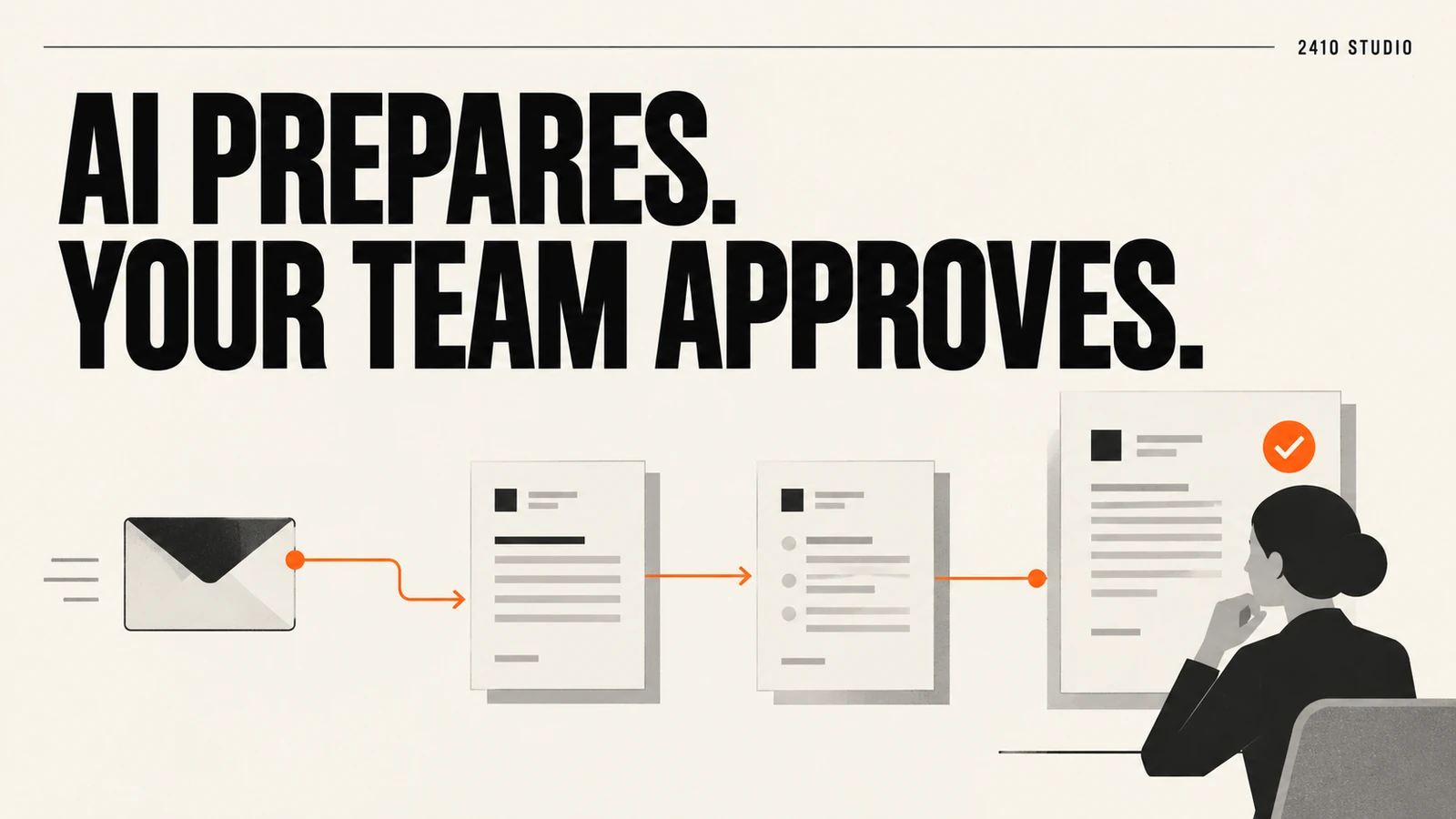
The draft should not invent prices, availability or delivery dates. If approved information does not answer the enquiry, it should flag the gap for a person. A failed connection should leave the original enquiry available and alert its owner.
Test with invented enquiries first, including incomplete messages, duplicates and requests outside your services. Then run a limited trial with staff reviewing every output. Keep the existing manual route available while you check whether the workflow behaves as expected.
What should you check before spending money?
Check the full operating cost, the information the tools can access and who will maintain the workflow. A setup is only useful if your team can rely on it after the demonstration.
Ask for a breakdown of subscriptions, usage charges, setup, training and ongoing support. Check whether the required app connections need a higher subscription tier. There is no reliable universal price for this work without knowing the systems and requirements.
Give each connection access only to the information it needs. Use sample data during setup, and check provider terms, retention settings and access controls before introducing real customer information. Ask who can change the workflow and how you would stop it.
Measure the complete task, including checking and correcting AI output. Compare handling time, correction frequency, missed enquiries and completed work against your starting point. A faster draft is not a saving if reviewing it takes longer than writing it yourself.
For specialist work, agree who owns the accounts, code and documentation. 2410 Studio's project portfolio shows examples of the studio's work. 2410 Studio is a UK studio that builds AI into the tools a business already uses, with the client keeping the custom code. Third-party software remains subject to its own licences.
Frequently asked questions
Do I need coding skills to use AI in my business?
Not for many built-in features or straightforward app connections. You still need to understand the task, configure permissions and test the result, or arrange help with those steps.
Can I do this with tools I already pay for?
Possibly. Check the features and limits of your current subscriptions first, because an AI feature or connection may require an additional licence.
When should I bring in a specialist?
Bring in help when connections are unreliable, the process has complex exceptions or you cannot confidently manage access and maintenance. Ask for a defined scope, a handover and a clear support arrangement.
Will AI replace the person doing the task?
The workflow described here supports the team by preparing information and drafts. People remain responsible for checking accuracy, handling exceptions and approving customer commitments.
Choose one task your team repeats this week and note where the time goes. Then talk to 2410 Studio about that workflow to work out whether existing features, simple automation or a tailored AI integration is the right next step.
START YOUR INTEGRATION